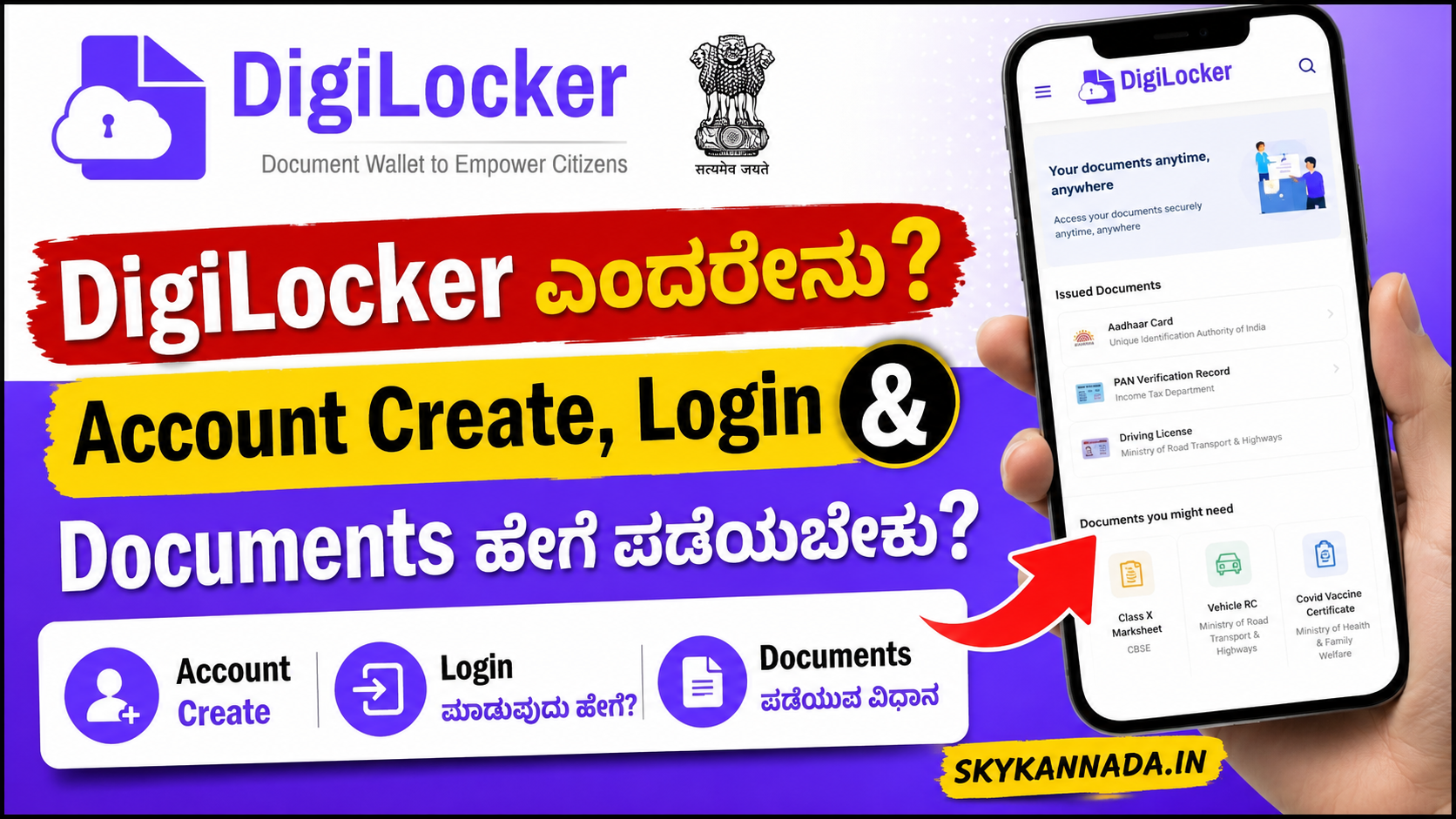
DigiLocker ಎಂದರೇನು? DigiLocker ಬಳಸುವ ಸಂಪೂರ್ಣ ಮಾಹಿತಿ ಕನ್ನಡದಲ್ಲಿ
DigiLocker Kannada ಬಗ್ಗೆ ಸಂಪೂರ್ಣ ಮಾಹಿತಿ ಹುಡುಕುತ್ತಿದ್ದೀರಾ? DigiLocker ಭಾರತ ಸರ್ಕಾರದ ಡಿಜಿಟಲ್ ಡಾಕ್ಯುಮೆಂಟ್ ಸೇವೆಯಾಗಿದ್ದು, Driving Licence, RC, educational certificates ಮತ್ತು ಇತರ supported documents ಅನ್ನು ಡಿಜಿಟಲ್ ರೂಪದಲ್ಲಿ ಪಡೆಯಲು ಮತ್ತು ನಿರ್ವಹಿಸಲು ಸಹಾಯ ಮಾಡುತ್ತದೆ.
ಈ ಲೇಖನದಲ್ಲಿ DigiLocker account create ಮಾಡುವುದು ಹೇಗೆ, DigiLocker login, Aadhaar link, Driving Licence download, RC download ಮತ್ತು documents fetch ಮಾಡುವುದು ಹೇಗೆ ಎಂಬುದನ್ನು ಸರಳ ಕನ್ನಡದಲ್ಲಿ ತಿಳಿಯೋಣ.
What is DigiLocker?
DigiLocker ಎನ್ನುವುದು ಭಾರತ ಸರ್ಕಾರದ Digital India ಯೋಜನೆಯ ಭಾಗವಾಗಿರುವ ಡಿಜಿಟಲ್ ಡಾಕ್ಯುಮೆಂಟ್ ಸೇವೆ. ನಾಗರಿಕರು supported government ಮತ್ತು educational documents ಅನ್ನು ಡಿಜಿಟಲ್ ರೂಪದಲ್ಲಿ ಪಡೆಯಲು ಹಾಗೂ ನಿರ್ವಹಿಸಲು ಇದನ್ನು ಬಳಸಬಹುದು.
ಮೊಬೈಲ್ ಅಥವಾ ಕಂಪ್ಯೂಟರ್ ಮೂಲಕ DigiLocker accountಗೆ login ಮಾಡಿ ಲಭ್ಯವಿರುವ documents ನೋಡಬಹುದು. ಇದರಿಂದ ಪ್ರತಿಯೊಂದು ದಾಖಲೆಯ physical copy ಅನ್ನು ಯಾವಾಗಲೂ ಜೊತೆಯಲ್ಲಿ ಇಟ್ಟುಕೊಳ್ಳುವ ಅಗತ್ಯ ಕೆಲವು ಸಂದರ್ಭಗಳಲ್ಲಿ ಕಡಿಮೆಯಾಗಬಹುದು.
DigiLocker Benefits
DigiLocker ಬಳಸುವುದರಿಂದ ಹಲವು ಪ್ರಯೋಜನಗಳಿವೆ. ಪ್ರಮುಖ ದಾಖಲೆಗಳನ್ನು ಒಂದೇ digital accountನಲ್ಲಿ access ಮಾಡಬಹುದು. ಅಗತ್ಯವಿದ್ದಾಗ mobile ಅಥವಾ computer ಮೂಲಕ documents ನೋಡಬಹುದು.
ಮುಖ್ಯ ಪ್ರಯೋಜನಗಳು:
- Digital documents ಅನ್ನು ಒಂದೇ ಸ್ಥಳದಲ್ಲಿ manage ಮಾಡಬಹುದು
- Mobile ಮತ್ತು computer ಮೂಲಕ access ಮಾಡಬಹುದು
- Supported government documents fetch ಮಾಡಬಹುದು
- ಕೆಲವು documents download ಅಥವಾ share ಮಾಡಬಹುದು
- Physical copies ಮೇಲಿನ ಅವಲಂಬನೆ ಕಡಿಮೆಯಾಗಬಹುದು
- Studentsಗೂ educational documents ಪಡೆಯಲು ಉಪಯುಕ್ತವಾಗಬಹುದು
How to Create DigiLocker Account?
DigiLocker account create ಮಾಡಲು official DigiLocker website ಅಥವಾ mobile app ಬಳಸಿ.
- DigiLocker official website ಅಥವಾ app ತೆರೆಯಿರಿ
- Sign Up ಆಯ್ಕೆಮಾಡಿ
- ಕೇಳಲಾಗುವ mobile number ಮತ್ತು details ನಮೂದಿಸಿ
- OTP verification ಪೂರ್ಣಗೊಳಿಸಿ
- ಅಗತ್ಯ account details set ಮಾಡಿ
- Accountಗೆ login ಮಾಡಿ
OTP, PIN ಅಥವಾ login details ಅನ್ನು ಯಾರೊಂದಿಗೂ share ಮಾಡಬೇಡಿ.
DigiLocker Login Process
ಈಗಾಗಲೇ DigiLocker account ಇದ್ದರೆ official website ಅಥವಾ app ತೆರೆಯಿರಿ. ನಂತರ Sign In ಆಯ್ಕೆಯನ್ನು ಆಯ್ಕೆಮಾಡಿ.
ನಿಮ್ಮ accountಗೆ ಲಭ್ಯವಿರುವ login method ಬಳಸಿ verification ಪೂರ್ಣಗೊಳಿಸಿ. Login ಆದ ನಂತರ dashboardನಲ್ಲಿ profile, issued documents ಮತ್ತು ಇತರ available services ನೋಡಬಹುದು.
How to Link Aadhaar with DigiLocker?
DigiLockerನ ಕೆಲವು features ಬಳಸಲು Aadhaar verification ಅಥವಾ linking ಅಗತ್ಯವಾಗಬಹುದು.
Accountಗೆ login ಮಾಡಿದ ನಂತರ Aadhaar ಸಂಬಂಧಿತ option ಆಯ್ಕೆಮಾಡಿ. ಕೇಳಲಾಗುವ ಮಾಹಿತಿಯನ್ನು ನಮೂದಿಸಿ ಮತ್ತು official verification process ಪೂರ್ಣಗೊಳಿಸಿ.
Aadhaar number ಮತ್ತು OTP ಅನ್ನು fake website, WhatsApp link ಅಥವಾ unknown appಗಳಲ್ಲಿ ಎಂದಿಗೂ ನಮೂದಿಸಬೇಡಿ.
How to Get Documents in DigiLocker?
DigiLockerನಲ್ಲಿ supported documents ಪಡೆಯಲು:
- Accountಗೆ login ಮಾಡಿ
- Search Documents ವಿಭಾಗ ತೆರೆಯಿರಿ
- ಸಂಬಂಧಿತ issuer ಅಥವಾ department ಹುಡುಕಿ
- ಬೇಕಾದ document ಆಯ್ಕೆಮಾಡಿ
- ಕೇಳಲಾಗುವ details ನಮೂದಿಸಿ
- Verification ಅಥವಾ consent ಪೂರ್ಣಗೊಳಿಸಿ
- Document fetch ಮಾಡಿ
- Issued Documents ವಿಭಾಗದಲ್ಲಿ ಪರಿಶೀಲಿಸಿ
ಪ್ರತಿ documentಗೆ ಅಗತ್ಯವಿರುವ ಮಾಹಿತಿ ವಿಭಿನ್ನವಾಗಿರಬಹುದು.
Documents Available in DigiLocker
DigiLockerನಲ್ಲಿ ಲಭ್ಯವಿರುವ documents issuer ಮತ್ತು service availability ಮೇಲೆ ಅವಲಂಬಿತವಾಗಿರುತ್ತವೆ.
ಸಾಮಾನ್ಯವಾಗಿ ಲಭ್ಯವಾಗಬಹುದಾದ documents:
- Driving Licence
- Vehicle Registration Certificate (RC)
- Mark Sheets
- Educational Certificates
- Insurance-related documents
- Government-issued certificates
- ಇತರ supported digital documents
ನಿಮಗೆ ಬೇಕಾದ document ಲಭ್ಯವಿದೆಯೇ ಎಂದು Search Documents ವಿಭಾಗದಲ್ಲಿ ಪರಿಶೀಲಿಸಿ.
How to Download Driving Licence from DigiLocker?
DigiLocker ಮೂಲಕ Driving Licence ಪಡೆಯಲು accountಗೆ login ಮಾಡಿ. Search Documents ವಿಭಾಗದಲ್ಲಿ ಸಂಬಂಧಿತ transport issuer ಹುಡುಕಿ.
Driving Licence option ಆಯ್ಕೆಮಾಡಿ ಮತ್ತು ಕೇಳಲಾಗುವ licence details ನಮೂದಿಸಿ. Document issuer ಮೂಲಕ ಲಭ್ಯವಿದ್ದರೆ ಅದನ್ನು fetch ಮಾಡಬಹುದು.
Fetch ಆದ Driving Licence ಸಾಮಾನ್ಯವಾಗಿ Issued Documents ವಿಭಾಗದಲ್ಲಿ ಕಾಣಿಸಬಹುದು. ಅಲ್ಲಿ ಲಭ್ಯವಿರುವ options ಮೂಲಕ view ಅಥವಾ download ಮಾಡಬಹುದು.
How to Download RC from DigiLocker?
Vehicle RC ಪಡೆಯಲು DigiLocker login ಮಾಡಿ. Search Documents ವಿಭಾಗದಲ್ಲಿ transport-related issuer ಆಯ್ಕೆಮಾಡಿ.
Registration Certificate ಅಥವಾ RC option ಆಯ್ಕೆಮಾಡಿ. Vehicle registration number ಮತ್ತು ಕೇಳಲಾಗುವ ಇತರ details ನಮೂದಿಸಿ.
Verification ಯಶಸ್ವಿಯಾದರೆ RC document accountಗೆ fetch ಆಗಬಹುದು.
DigiLocker for Students
DigiLocker ವಿದ್ಯಾರ್ಥಿಗಳಿಗೆ ಉಪಯುಕ್ತವಾಗಬಹುದು. ಕೆಲವು boards, universities ಮತ್ತು educational institutions marks card, certificates ಮತ್ತು ಇತರ academic documents ಅನ್ನು DigiLocker ಮೂಲಕ ನೀಡಬಹುದು.
ನಿಮ್ಮ board ಅಥವಾ university supported issuer ಆಗಿದೆಯೇ ಎಂದು search ಮಾಡಿ. Document ಲಭ್ಯವಿದ್ದರೆ roll number, registration number ಅಥವಾ passing year ಮುಂತಾದ ವಿವರಗಳನ್ನು ನಮೂದಿಸಿ fetch ಮಾಡಬಹುದು.
Is DigiLocker Safe?
DigiLocker ಬಳಸುವಾಗ basic online safety rules ಅನುಸರಿಸುವುದು ಮುಖ್ಯ.
- Official website ಅಥವಾ app ಮಾತ್ರ ಬಳಸಿ
- OTP ಯಾರೊಂದಿಗೂ share ಮಾಡಬೇಡಿ
- Public computerನಲ್ಲಿ login ಮಾಡುವುದನ್ನು ತಪ್ಪಿಸಿ
- ಕೆಲಸ ಮುಗಿದ ನಂತರ logout ಮಾಡಿ
- Unknown SMS ಮತ್ತು WhatsApp links ತೆರೆಯಬೇಡಿ
- Fake DigiLocker apps ಬಗ್ಗೆ ಎಚ್ಚರಿಕೆಯಿಂದಿರಿ
DigiLocker App Not Working – What to Do?
DigiLocker app ಕೆಲಸ ಮಾಡದಿದ್ದರೆ ಈ basic steps ಪ್ರಯತ್ನಿಸಿ:
- Internet connection check ಮಾಡಿ
- DigiLocker app update ಮಾಡಿ
- Phone restart ಮಾಡಿ
- Login details ಸರಿಯಾಗಿವೆಯೇ ಪರಿಶೀಲಿಸಿ
- Document information ಸರಿಯಾಗಿದೆಯೇ ನೋಡಿ
- ಸ್ವಲ್ಪ ಸಮಯದ ನಂತರ ಮತ್ತೆ ಪ್ರಯತ್ನಿಸಿ
- Official help ಅಥವಾ support option ಬಳಸಿ
ಕೆಲವೊಮ್ಮೆ server ಅಥವಾ issuer-side ಸಮಸ್ಯೆಯಿಂದ document fetch ಆಗಲು ಸಮಯ ಬೇಕಾಗಬಹುದು.
DigiLocker Password Forgot – What to Do?
Login credential ಅಥವಾ security PIN ಮರೆತಿದ್ದರೆ login screenನಲ್ಲಿ ಲಭ್ಯವಿರುವ recovery option ಬಳಸಿ.
Registered mobile number ಅಥವಾ ಸಂಬಂಧಿತ verification process ಮೂಲಕ account access recover ಮಾಡಬಹುದು. OTP ಅನ್ನು third-party ವ್ಯಕ್ತಿಯೊಂದಿಗೆ share ಮಾಡಬೇಡಿ.
DigiLocker vs Physical Documents
DigiLocker documents ಮತ್ತು physical documents ಎರಡಕ್ಕೂ ತಮ್ಮದೇ ಉಪಯೋಗಗಳಿವೆ.
DigiLocker supported digital documents ಅನ್ನು ಸುಲಭವಾಗಿ access ಮಾಡಲು ಸಹಾಯ ಮಾಡುತ್ತದೆ. ಆದರೆ ಕೆಲವು ಸಂಸ್ಥೆಗಳು original physical document verification ಕೇಳಬಹುದು.
ಆದ್ದರಿಂದ admission, job verification ಅಥವಾ official workಗೆ ಹೋಗುವ ಮೊದಲು ಸಂಬಂಧಿತ authority ಯಾವ formatನ document ಸ್ವೀಕರಿಸುತ್ತದೆ ಎಂಬುದನ್ನು ಪರಿಶೀಲಿಸುವುದು ಉತ್ತಮ.
DigiLocker Common Problems
OTP Not Received:
Mobile network ಅಥವಾ temporary server delay ಕಾರಣವಾಗಿರಬಹುದು. ಸ್ವಲ್ಪ ಸಮಯದ ನಂತರ ಮತ್ತೆ ಪ್ರಯತ್ನಿಸಿ.
Document Not Found:
Document number ಅಥವಾ entered details ತಪ್ಪಿರಬಹುದು. Issuer ಬಳಿ record availability ಕೂಡ ಮುಖ್ಯ.
Name Mismatch:
Aadhaar ಮತ್ತು ಇತರ documentsನಲ್ಲಿ ಹೆಸರು ಬೇರೆ ರೀತಿಯಲ್ಲಿ ಇದ್ದರೆ mismatch ಸಮಸ್ಯೆ ಕಾಣಿಸಬಹುದು.
Unable to Fetch Document:
Issuer service temporary unavailable ಆಗಿರಬಹುದು ಅಥವಾ entered details match ಆಗದಿರಬಹುದು.
Frequently Asked Questions
Is DigiLocker Free?
DigiLocker ಸರ್ಕಾರಿ ಡಿಜಿಟಲ್ ಸೇವೆಯಾಗಿದ್ದು, ನಾಗರಿಕರಿಗೆ digital documents access ಮಾಡಲು ಲಭ್ಯವಿದೆ.
Can I Download Driving Licence from DigiLocker?
ಸಂಬಂಧಿತ issuer service ಲಭ್ಯವಿದ್ದು ನಿಮ್ಮ details match ಆದರೆ Driving Licence fetch ಮಾಡಲು ಸಾಧ್ಯವಾಗಬಹುದು.
Can Students Use DigiLocker?
ಹೌದು. Supported boards ಮತ್ತು educational institutions ನೀಡುವ marks cards ಅಥವಾ certificates ಅನ್ನು ವಿದ್ಯಾರ್ಥಿಗಳು ಪಡೆಯಬಹುದು.
Can I Use DigiLocker Without the App?
DigiLockerನ ಅಧಿಕೃತ web platform ಮೂಲಕವೂ ಸೇವೆಯನ್ನು ಬಳಸಬಹುದು.
Can I Download RC from DigiLocker?
Supported transport issuer ಮೂಲಕ RC ಲಭ್ಯವಿದ್ದರೆ DigiLocker accountಗೆ fetch ಮಾಡಬಹುದು.
What Should I Do If DigiLocker Is Not Working?
Internet connection, app update ಮತ್ತು entered details ಪರಿಶೀಲಿಸಿ. ಸಮಸ್ಯೆ ಮುಂದುವರಿದರೆ official support option ಬಳಸಿ.
Conclusion
DigiLocker Kannada ಮಾಹಿತಿ ಹುಡುಕುತ್ತಿರುವವರಿಗೆ ಈ ಸೇವೆ digital documents manage ಮಾಡಲು ಉಪಯುಕ್ತವಾಗಿದೆ. Driving Licence, RC, educational certificates ಮತ್ತು ಇತರ supported documents ಅನ್ನು DigiLocker ಮೂಲಕ access ಮಾಡುವ ಅವಕಾಶ ಇರಬಹುದು.
ಯಾವಾಗಲೂ official DigiLocker website ಅಥವಾ app ಮಾತ್ರ ಬಳಸಿ. OTP, PIN ಮತ್ತು login details ಅನ್ನು ಯಾರೊಂದಿಗೂ share ಮಾಡಬೇಡಿ. Documents fetch ಮಾಡುವಾಗ ಸರಿಯಾದ ಮಾಹಿತಿಯನ್ನು ನಮೂದಿಸಿ.